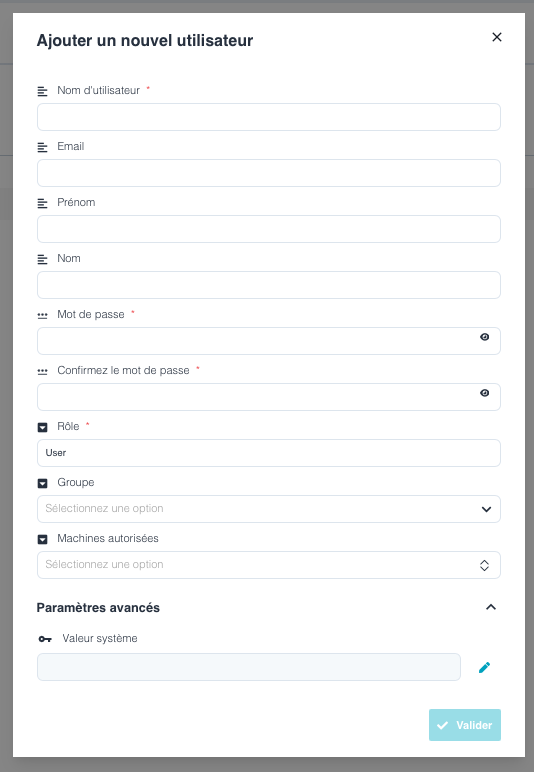
⚠️ Attention : Only one account ADMIN is authorized to create other users on Ellistat.
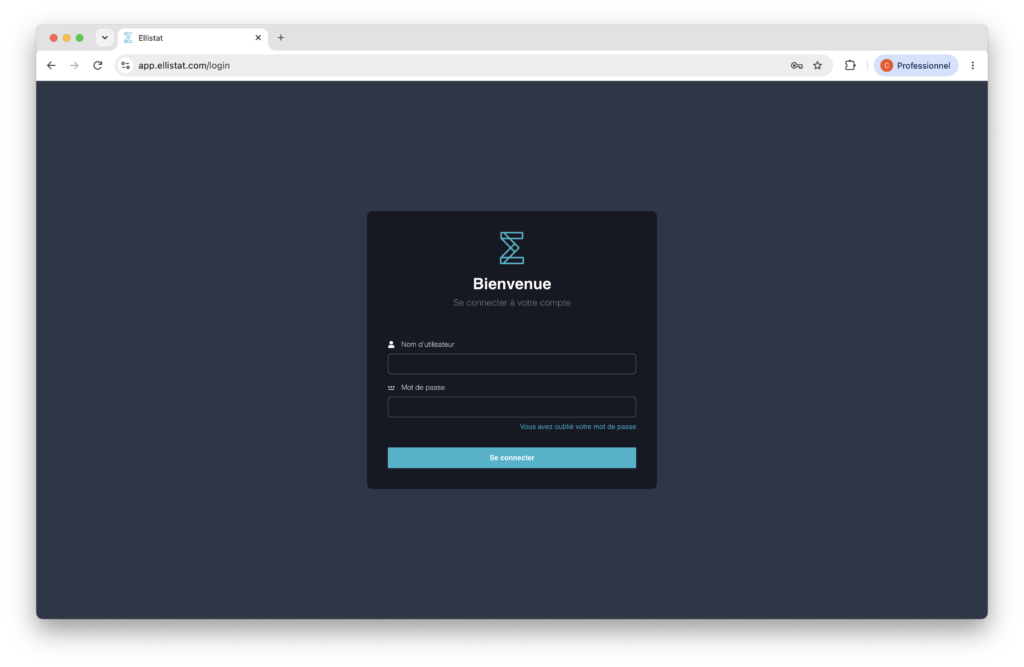
To create a user, log on to the web version of Ellistat www.app.ellistat.com by entering the username and password you received.
Click on your username in the top right-hand corner.
A menu opens.
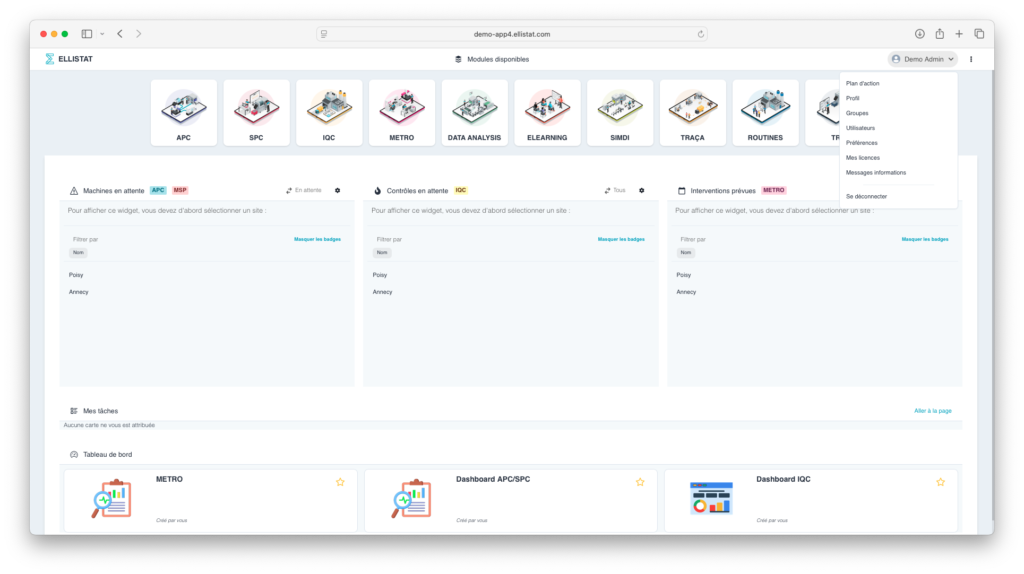
Click on "Users
⚠️ Assurez-vous d’être en « mode édition » pour que le bouton « ajouter un nouvel utilisateur » apparaisse.

All that's left is to fill in the required information. The "group" and "authorized machines" sections concern the APC module. It is therefore not necessary to fill in this information for the Data Analysis module.